
Sports Cards Seller Playbook
Your complete guide to launching, running, and growing a successful Sports Cards business on Whatnot.
This playbook brings together best-practice videos, tools, workflows, and real seller examples organized by each stage of your selling journey, from your first show to advanced growth.
Getting Ready to Go Live
Everything you need to confidently prepare for and run your first Sports Cards show on Whatnot.
Setting up your first show
Covers:
Show scheduling and set up options (00:00)
Quality thumbnail and title presentation (02:18)
Creating product listings within a show (05:20)
Top 3 tips for an amazing show
Covers:
Get a clean setup, right from the start (00:00)
Keep the show moving with a high variety of formats and product (01:45)
Build a community; this is live selling, not a static marketplace! (02:30)
Running an engaging show
Covers:
Running your product in an engaging way (00:00)
Organizing your product after it sells (02:30)
Using the Breaks feature for upside (03:50)
5 things I wish I knew before my first show
Covers:
Building consistency and a long term seller mindset (00:00)
Adapting to chat requests in real time (01:00)
Good marketing for your shows (01:45)
2. Uploading inventory
Click on the ‘Shows’ tab on your profile and click into one of your scheduled shows
Tap the round ‘Store’ icon in the bottom right corner.
Tap the round ‘+’ icon in the bottom right corner and select ‘Create Temporary Listing’
Fill in your listing details (category, title, listing type, etc.)
Listing Type
Auction: Users can bid at your chosen starting price and selected time limit (e.g., $5 for 30 seconds)
Buy Now: The item is listed to be sold at a set price
Shipping profile: approximate item weight
Tap ‘Add Listing’
1. Scheduling your show
Tap the ‘Seller Hub’ icon in the bottom-middle of your app and click ‘Schedule Show’
Fill in your title, show description, date and time, thumbnail and category (Sports Cards)
4. Running an auction
Auctions are the most popular listing type and our top Sports sellers have the best success by running auctions in their shows!
Tap the round ‘Store’ icon in the bottom right corner.
Tap on an item under the Auction tab and tap ‘Start’
Set the Starting Bid amount and Time (duration) of the auction for that item and tap ‘Start Auction’
3. Starting your show
Many top Sports sellers log into their account on two devices. They use their phone as their camera (to stream the live) and use their laptop as a controller (to start auctions, add product, etc)
When you’re ready to start the show, click into the scheduled show on your profile and tap ‘Start Show’
5. Shipping
By default, shipping is completely free for the seller. Whatnot will automatically bundle items purchased by the same buyer into one shipment
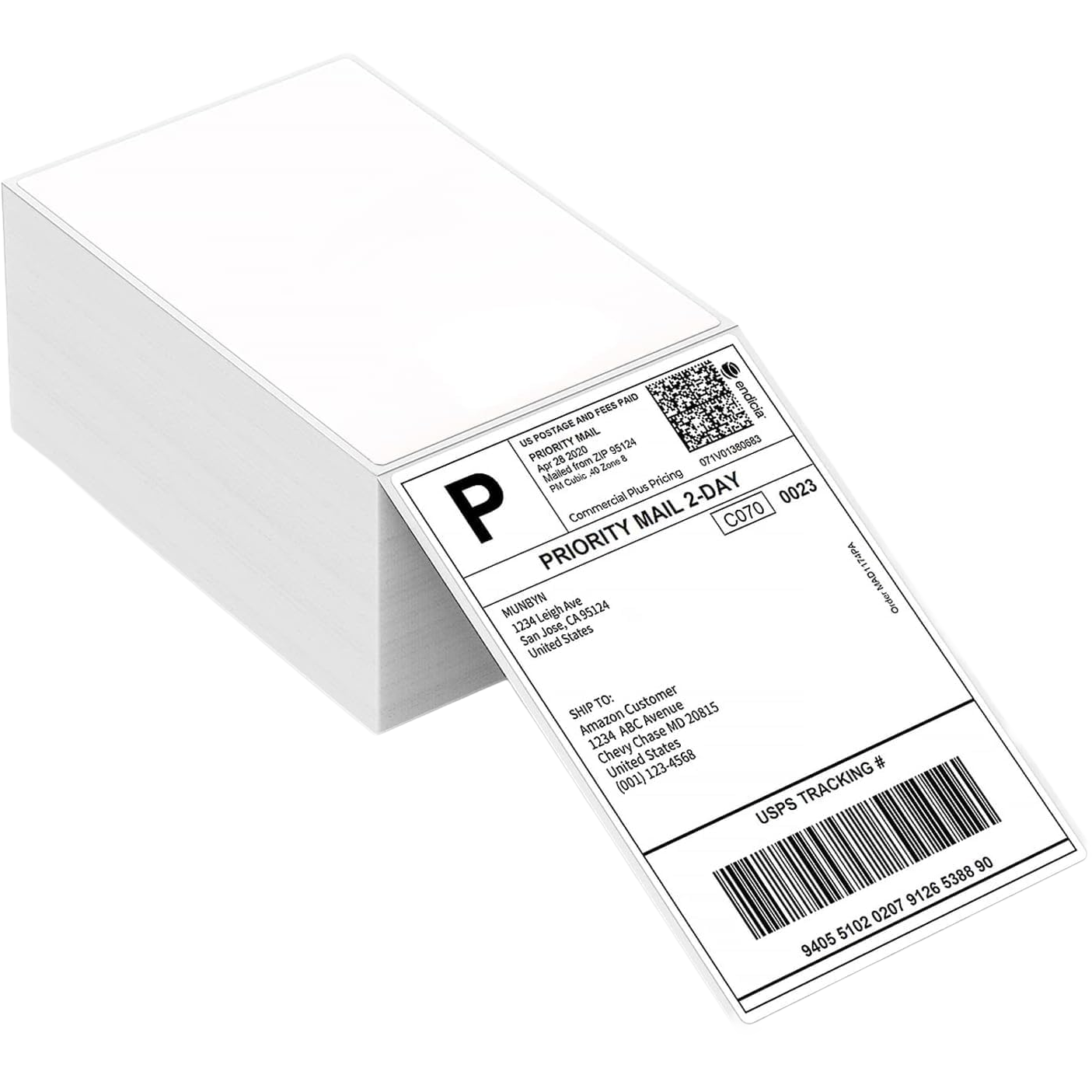
After the show, all you have to do is print your prepaid USPS shipping labels and package your item(s)
Sign in to your Whatnot Account on the desktop site at whatnot.com
Click on your Profile icon and select ‘Shipments’
You must use the Whatnot-provided labels and ship items within 2 business days of the sale
Sports card shipping considerations to keep in mind (additional info here)
Standard item weights:
Single cards
0 to 1oz
Booster packs, One slab
1 to 4oz
Booster box
3 to 4 lbs
Any card of significant value must be placed in a penny sleeve and a top loader. Top loaders and sleeves must be the proper size to match the card’s thickness.
USPS First-Class Mail Letter shipping (also commonly known as plain white envelope or standard envelope shipping) can be used to ship cards that cost <$20. To learn more go here.
6. Getting paid
You’ll receive payment 4 hours after USPS order delivery to the buyer
After this, you can transfer your Whatnot balance into your bank account.
Navigate to your Seller Hub in the app
Tap ‘Payouts’ at the top of your screen
Tap ‘Setup’ next to Bank Account
Follow the instructions through Stripe Connect to link or create your account.
What products should I sell and how should I sell them?
You should sell what and how is most exciting for you, as this will create the most engaging stream for buyers.
Whatnot is primarily an auction platform but there is no universal right or wrong approach.
Some trends we see are:
Group Breaks
Product types
Sealed wax (Hobby and Retail)
Common formats (learn more here)
Random team or PYT via auction and BIN
Stash or Pass, Pick 2 choose 1
All product must be kept on screen from the sale of an item to the end of the Break, every buyer must receive a card, and Break details (product/format) need to be in listing or Show Notes (full Card Break Policy here)
Personals
Product types
Sealed wax (Hobby and Retail)
Common formats
Rip and Ship, Ship Sealed, Individual Pack Auctions
Singles
Product types
Raw (best in a one touch/mag)
Slabs (graded cards)
Common formats
Auctions (standard, Sudden Death, or progressive auctions)
BIN listings (personal shopping, accept or reject real-time offers)
Keep auctions to 15 seconds max with a 5 second counter bid or Sudden Death
Go live gear
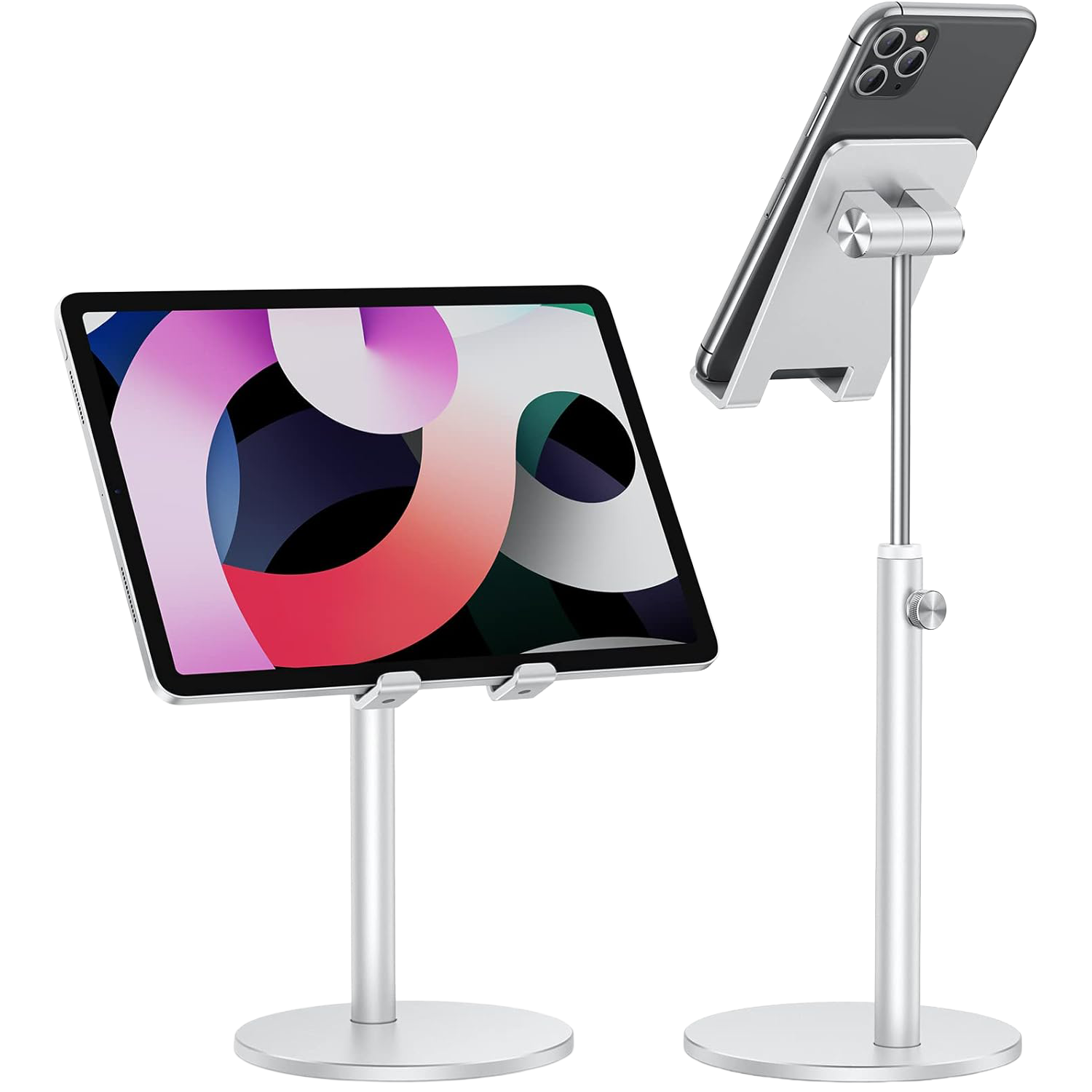

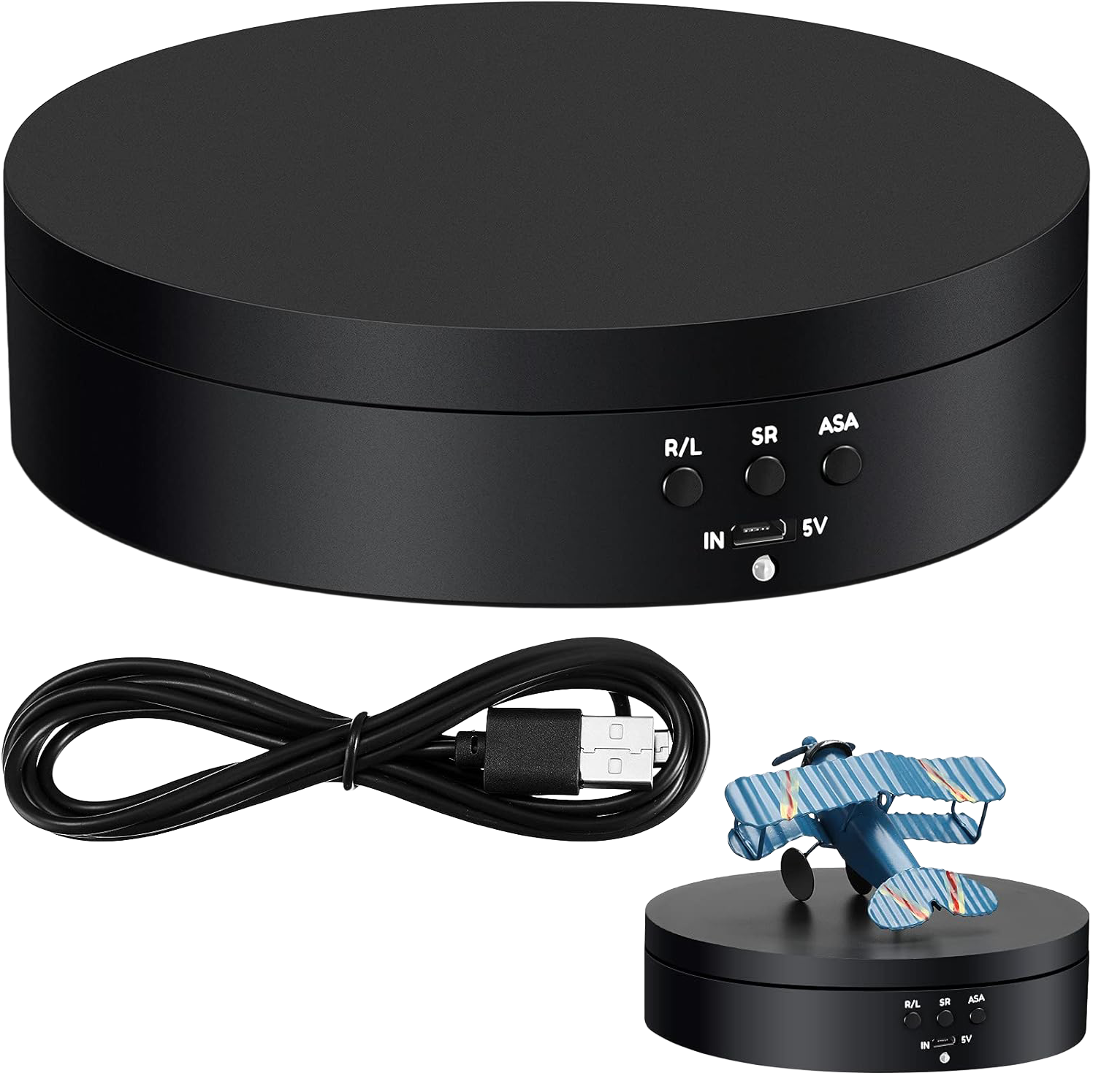
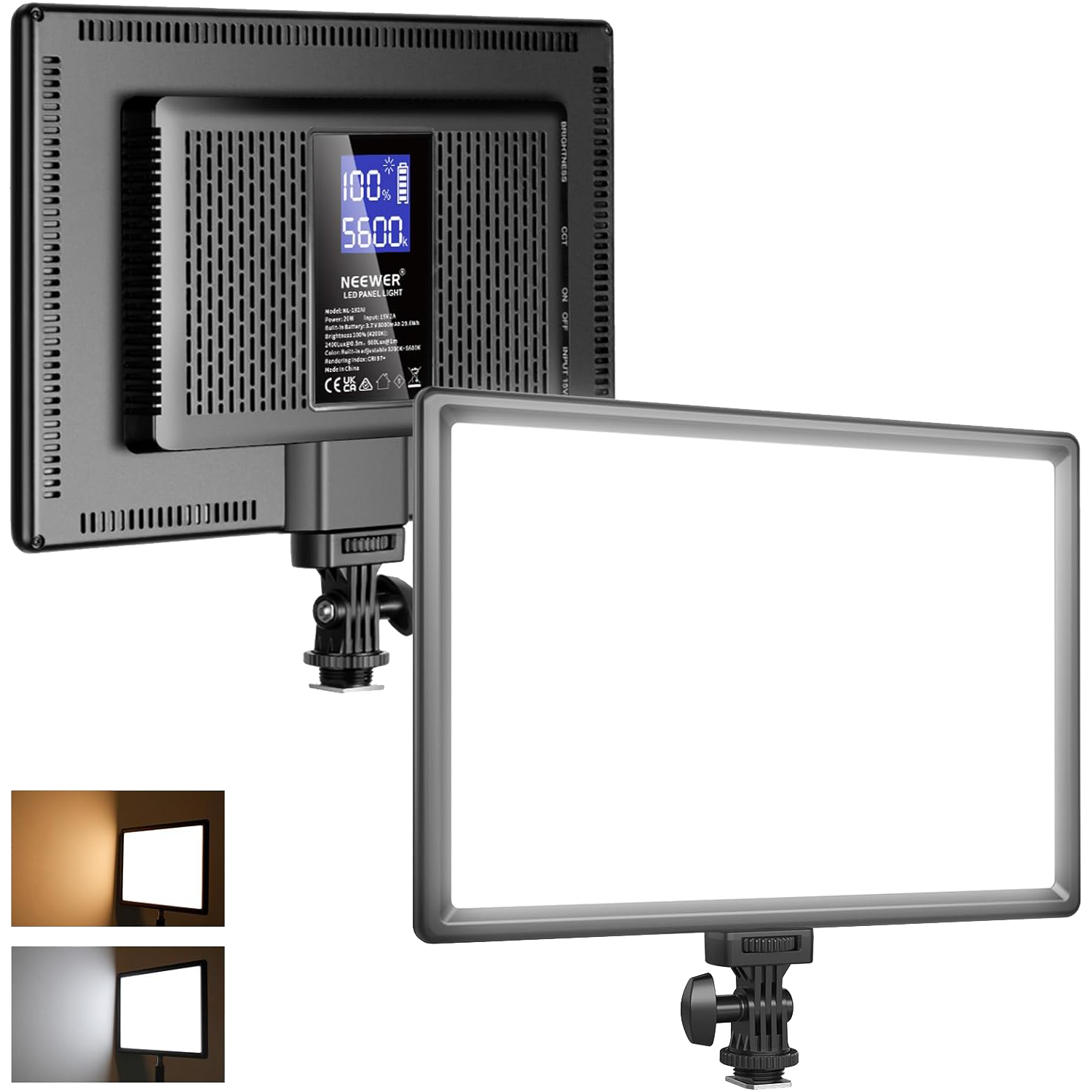
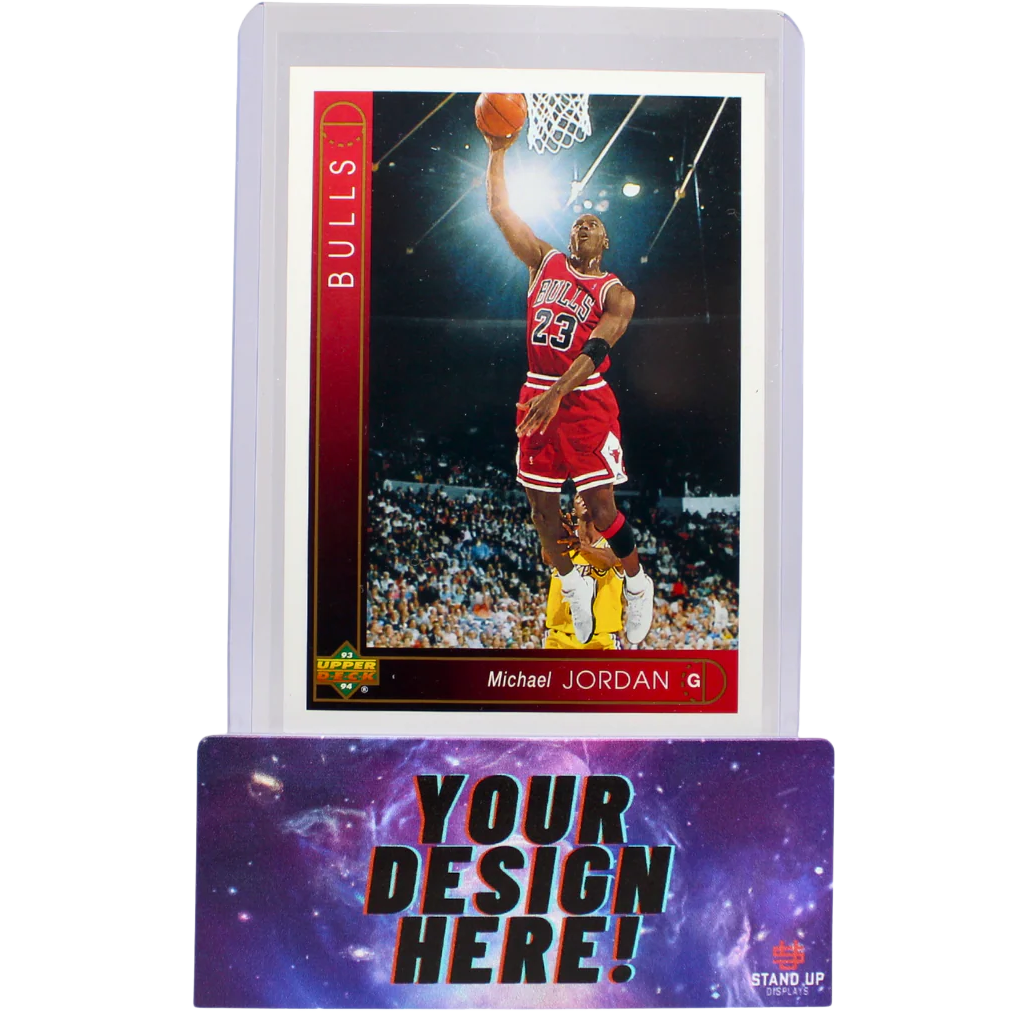
Custom card stand
Panel lights (qty 2)
Singles turntable
Phone Stand 1
Phone Stand 2
For advanced and upgraded gear selections, visit our Production Guide!
Seller Spotlight
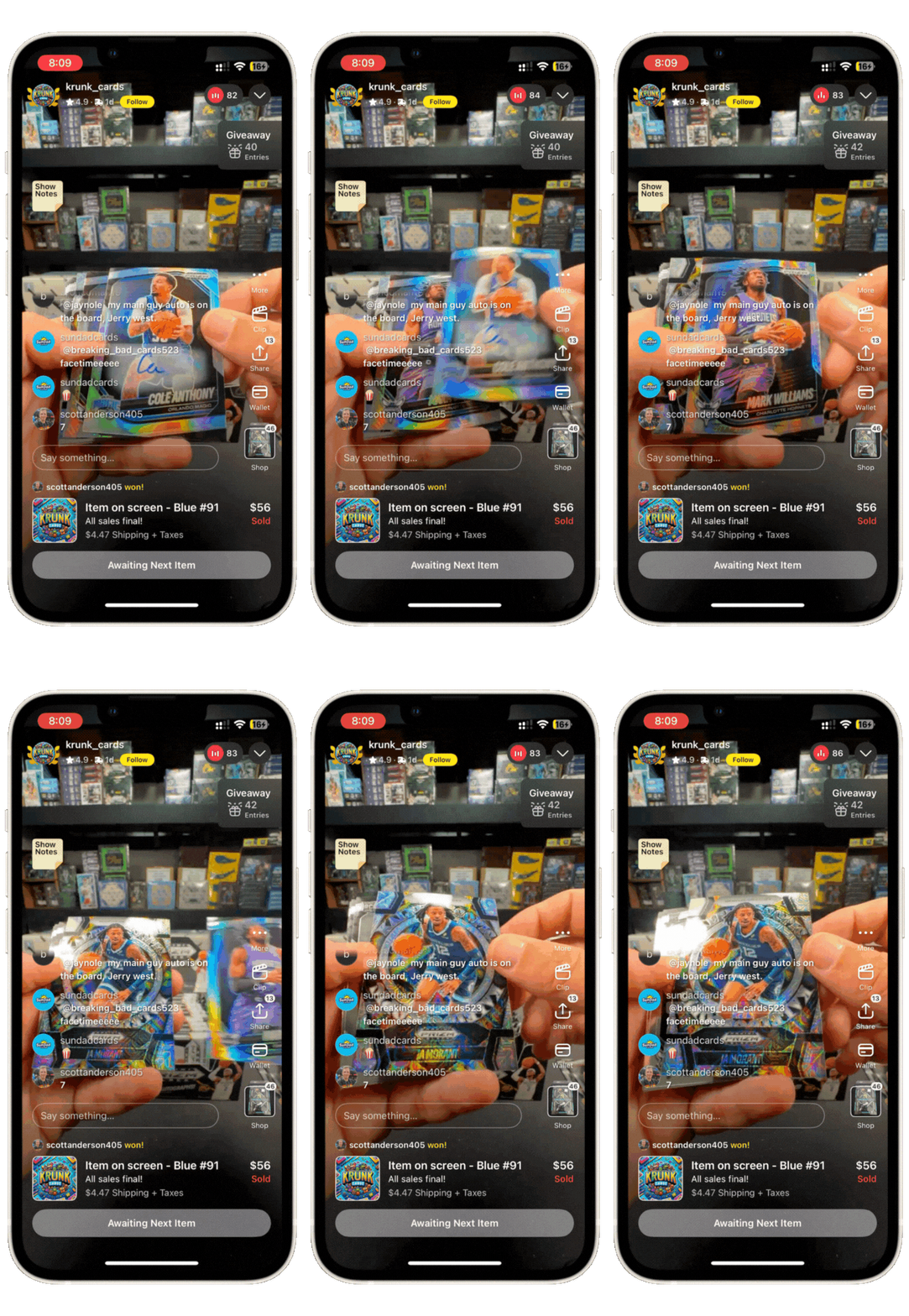
Krunk_cards
How a family’s passion for cards grew into a 7-figure rip-and-ship business operation
Meet the Seller
Casey began collecting trading cards with his 9 and 10 year-old sons, rediscovering the thrill of pack opening together. After the boys suggested he launch a Whatnot shop, Krunk_cards was born.
Now, a seven-figure business, they’re known for their authentic, transparent, and family-driven shows—and are a community favorite wax shop rooted in shared passion of the Hobby.
Seller Spotlight
AAmintcards
How live Breaking transformed a local retailer into an online destination
Meet the Seller
What began with Aaron discovering a Wayne Gretzky rookie card in his father’s safe deposit box has grown into a next-generation card shop in Cooper City, Florida.
Launched in 2021, AAmintcards now operates from both a brick-and-mortar store and warehouse, employing over 30 people.

During Your First Show
Here are some great tips and tricks to speed up your flow and get in the right mindset to run successful shows!
Product formats during show
Covers:
Running auctions that drive urgency and growth (00:00)
Using buy-it-nows to serve every type of collector (01:03)
Leveraging breaks for energy, excitement, and upside (02:03)
How to use the breaks feature
Covers:
Setting up and scheduling shows for the Breaks feature (00:00)
Creating and managing random team and pick-your-team breaks (02:07)
Running auctions, assigning teams, and starting breaks efficiently (05:40)
Fill break, then randomize
Covers:
Setting up buy-it-now and auction break spots with the new tool (00:00)
Using spot numbers and the “Randomize All” workflow to fill breaks fast (01:38)
Finalizing breaks, exporting team assignments, and notifying buyers (02:48)
Singles inventory best practices
Covers:
Uploading and organizing inventory for singles shows (00:00)
Setting up fast-paced auction formats and pricing (00:40)
Tracking sold cards for smooth post-show shipping (02:25)
What Do I Do After My Show Ends?
Step-by-step guidance for packing orders, printing labels, and completing post-show tasks quickly and accurately.
Sports card specific shipping
Covers:
Post-show shipping and fulfillment on Whatnot (00:00)
Generating labels, bundling orders, and shipping timelines (01:20)
Best practices for packing and protecting high-value cards (03:25)
General Whatnot shipping guide
Covers:
Navigating and managing your shipments page (00:00)
Verifying and adjusting shipment details (00:25)
Generating and printing shipping labels in bulk or individually (01:05)
How to set up shipping profiles
Covers:
What shipping profiles are and when to use them (00:00)
Creating shipping profiles with bundling preferences (00:18)
Where to find additional shipping resources (01:13)
Shipping options explained
Covers:
Navigating your Shipping Options settings (00:00)
Managing domestic shipping preferences (00:10)
Enabling free or reduced shipping options (00:36)
Fulfillment gear
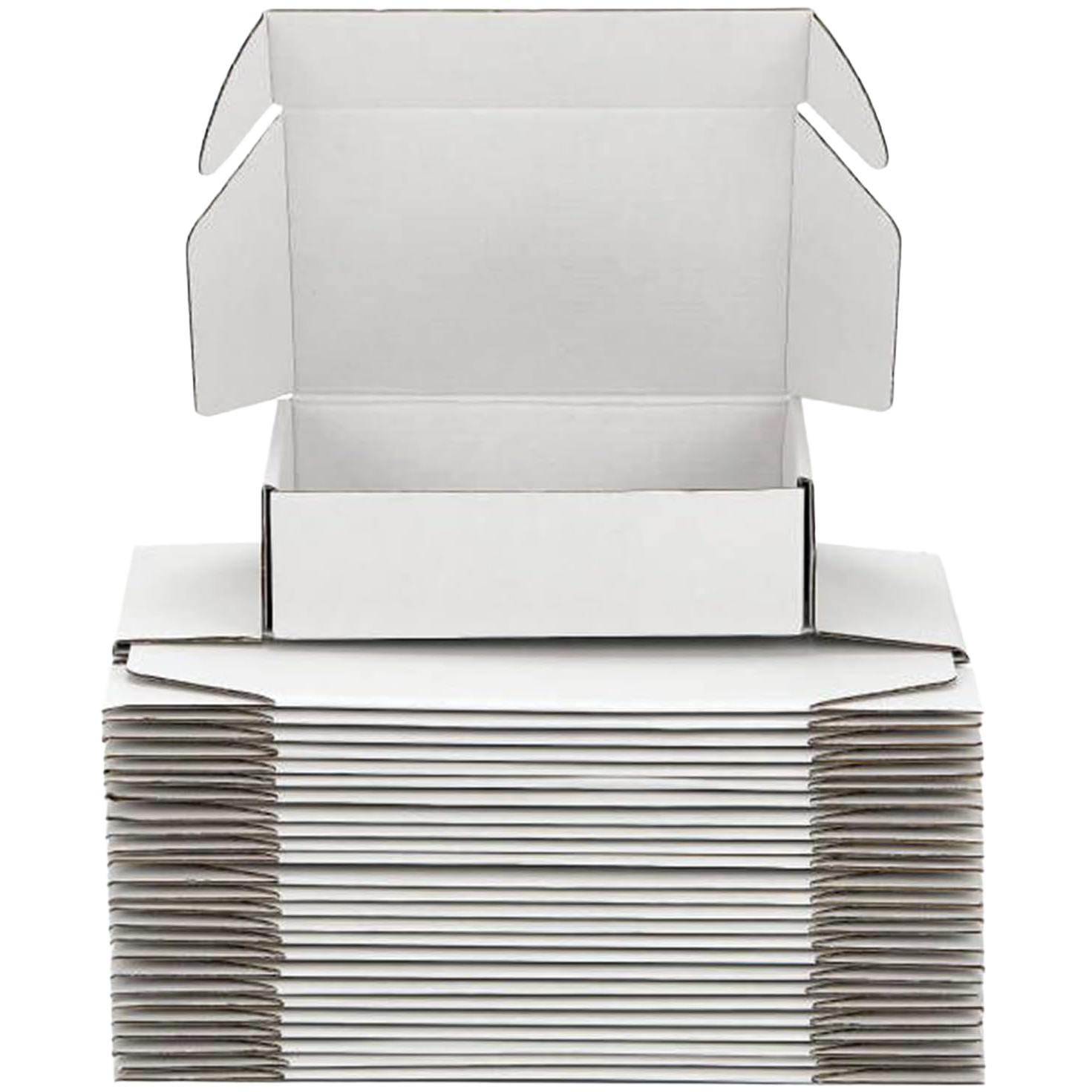
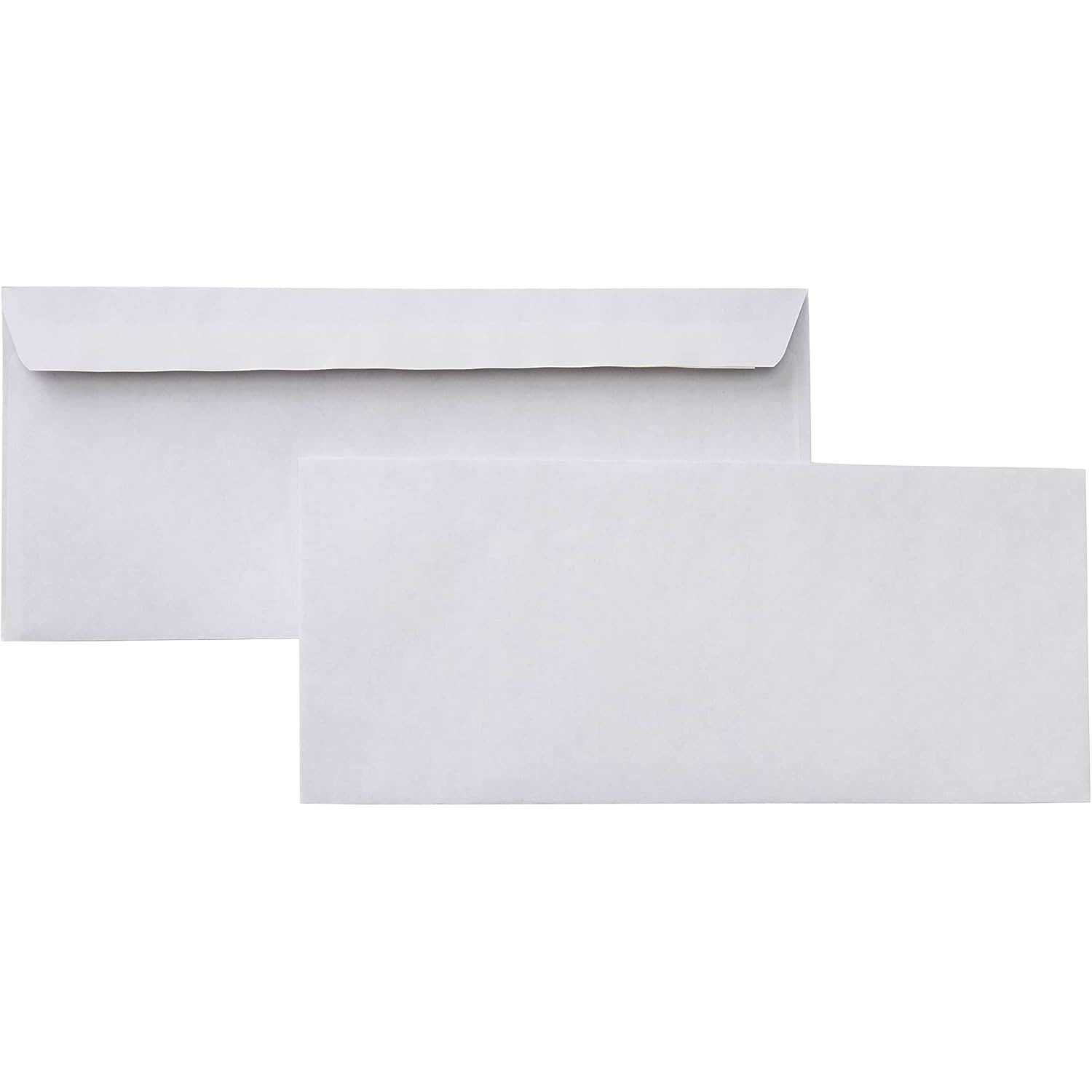
Plain white envelopes
Flat pack boxes
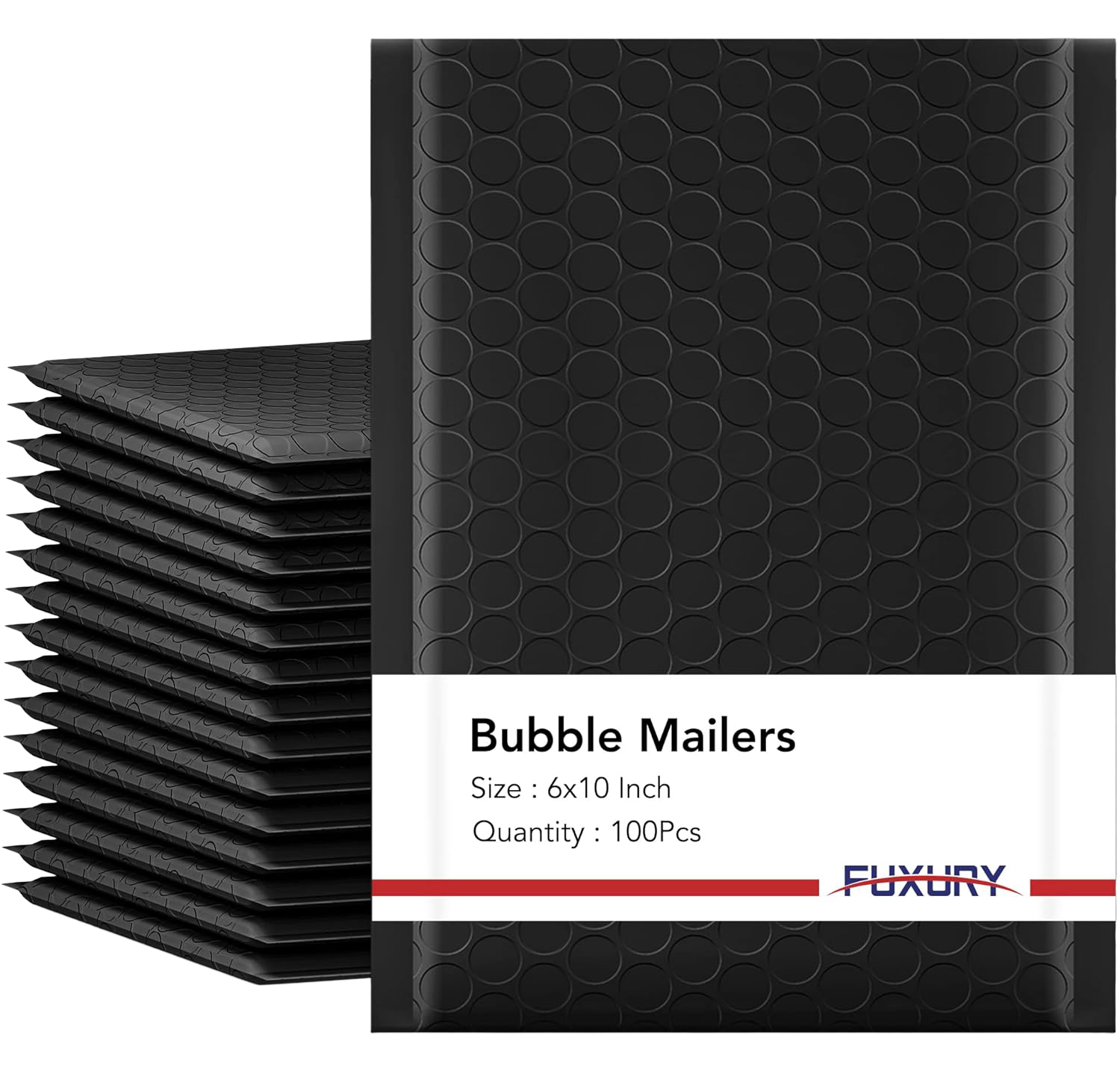
Bubble mailers
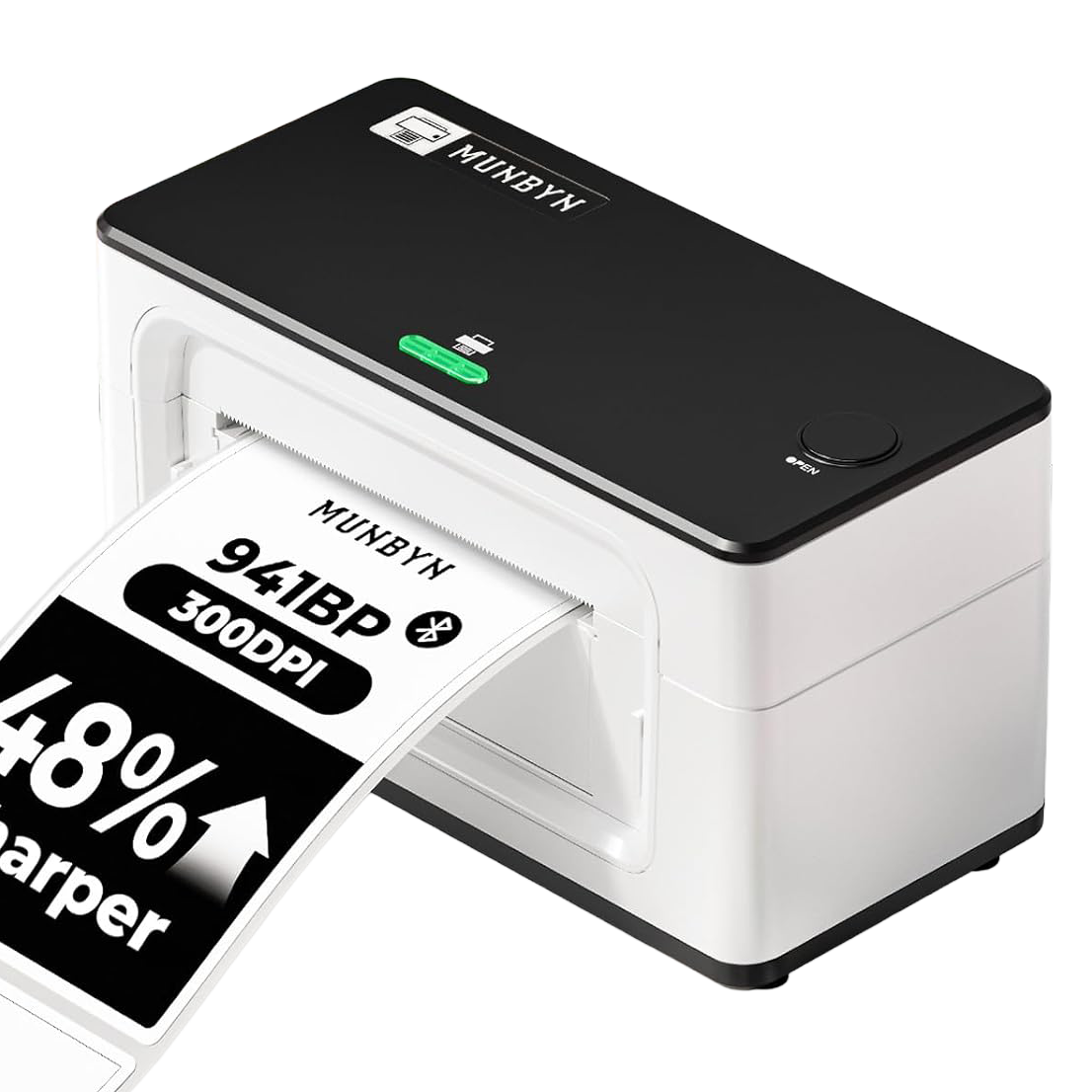
Label printer
Labels